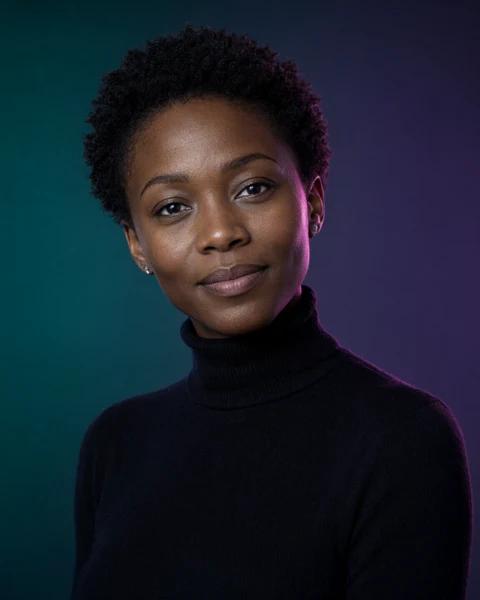
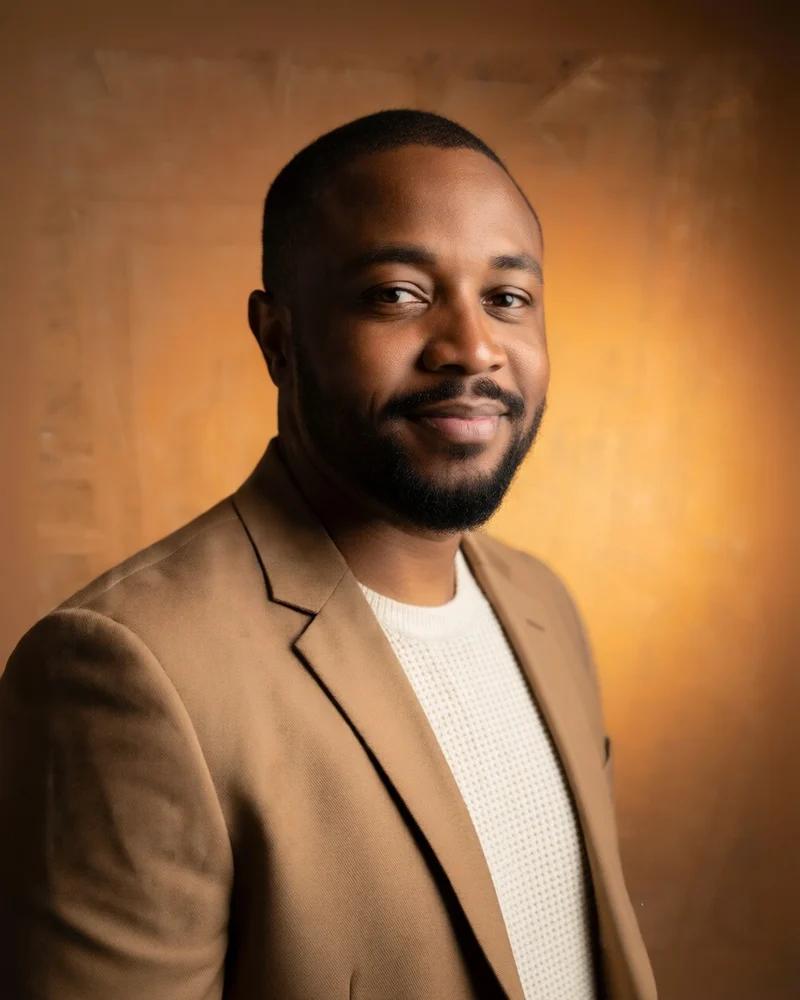
New30 AI-generated sample portraits are live

Your next headshot without the photoshoot.

Turn one casual photo into a polished professional headshot inside ChatGPT. Start free with three curated looks, or unlock every look with a one-time Pro license.

No account · No credit card · Works on chatgpt.com

chatgpt.com

Built for the places your face already works

LinkedInRésumésFounder pagesTeam directoriesPortfolios
3 free looksAll looks with Pro30 sample portraits0 photo servers
Sample results

From a casual photo to a studio headshot.

Every image below began as a casual phone photo. Tap a card to compare the original with the finished headshot.

AI-generated sample portraits. Not real customers. Your results preserve your own face and identity.

How the studio works
Everything included

Everything you need, all in one place.

Every curated direction, a prompt engine that protects your likeness, and a local History that keeps the result yours. Three looks are free; unlock every look with Pro.

curated looks

3 free · Pro unlocks all

Every direction.
One face.

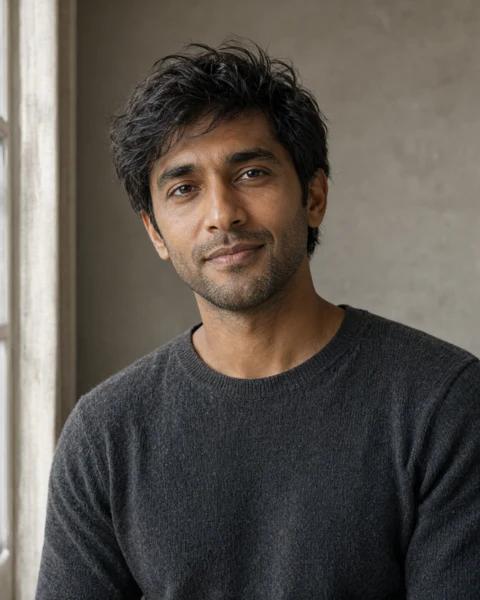
Executive, natural light, creative edge, boardroom, editorial, clinician, noir and more. Each look is a complete prompt preset — not a filter.
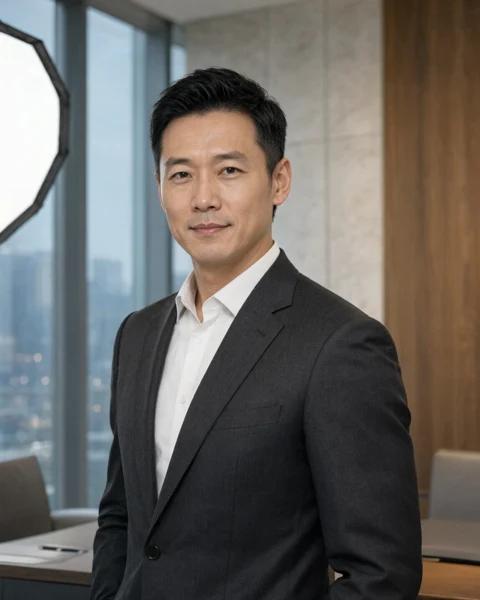
The Executive look sample
Natural Light look sample
Creative Edge look sample
See the sample gallery

Lives in ChatGPT

No new app, tab or API key. Open the panel from the toolbar and work in the session you already have.

Local History

Every generated result is saved in your browser with view, edit, copy and download controls.

Free to start

Three curated looks and every core control are free. Unlock every look with a one-time Pro license.

Identity first

Every prompt protects face structure, skin tone, hairline and natural asymmetry.

Prompt engine

A detailed, look-specific prompt is generated for you and sent into ChatGPT.

Keep and export

View full size, crop or resize, copy the image, or download PNG, JPG or WebP.

The studio

A studio inside the tab you already use.

Click the extension icon on ChatGPT and the panel opens in place. Upload a photo, choose a look, and send a complete prompt into the conversation you are already having.
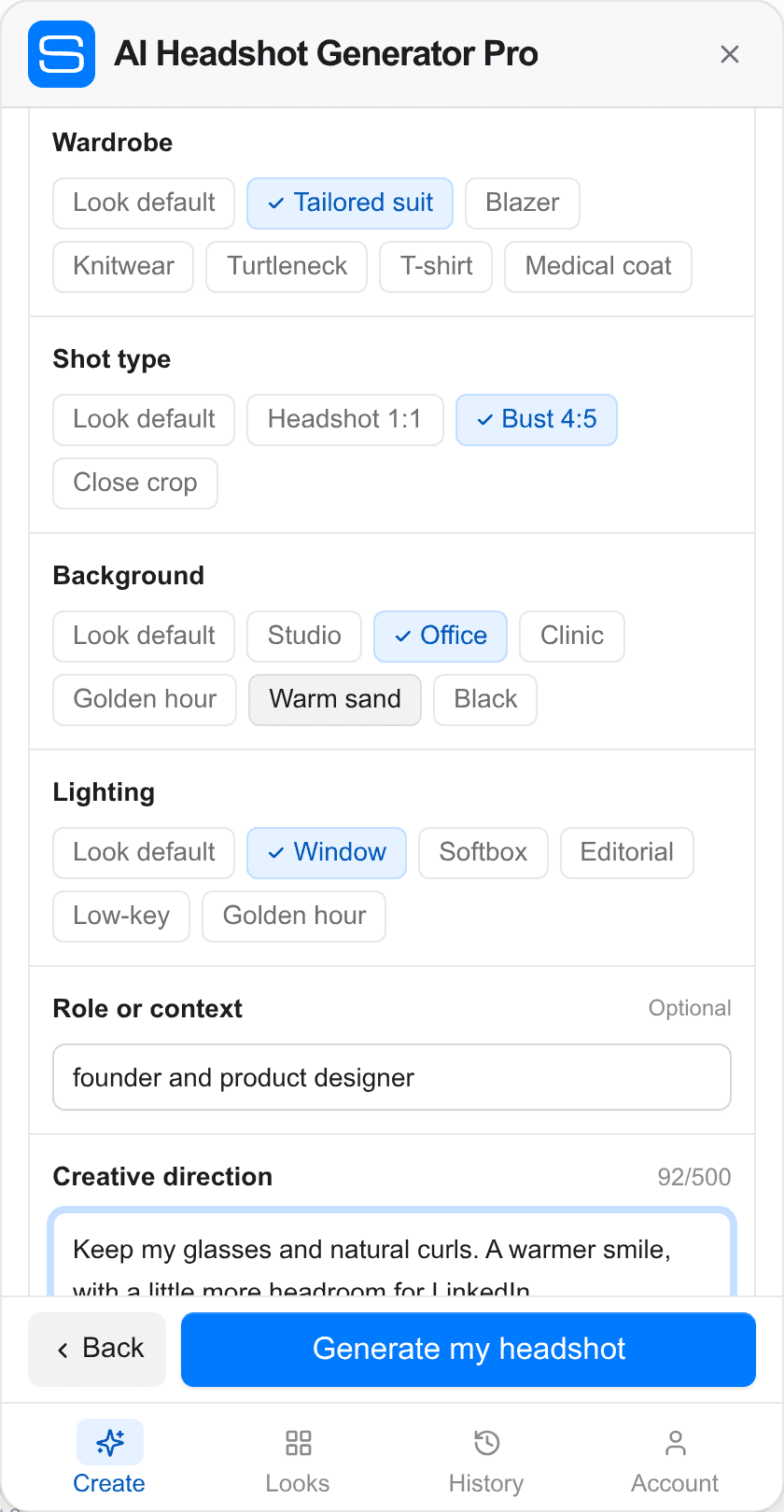
  • Every complete look with wardrobe, framing and lighting controls
  • The prompt is generated for you and sent into ChatGPT
  • Full-size viewing, crop/resize, copy and local downloads
  • No account, credits or photo servers
Get the extension
AI Headshot Generator Pro fine-tune fields inside ChatGPT
How it works

Less studio time. More of you.

No new photo app, no shoot to schedule, no hidden prompt magic. The studio rides along in the ChatGPT tab you already use.

Add to Chrome — free
01

Add the extension

Install it in Chrome, then open the studio from the toolbar icon on ChatGPT.
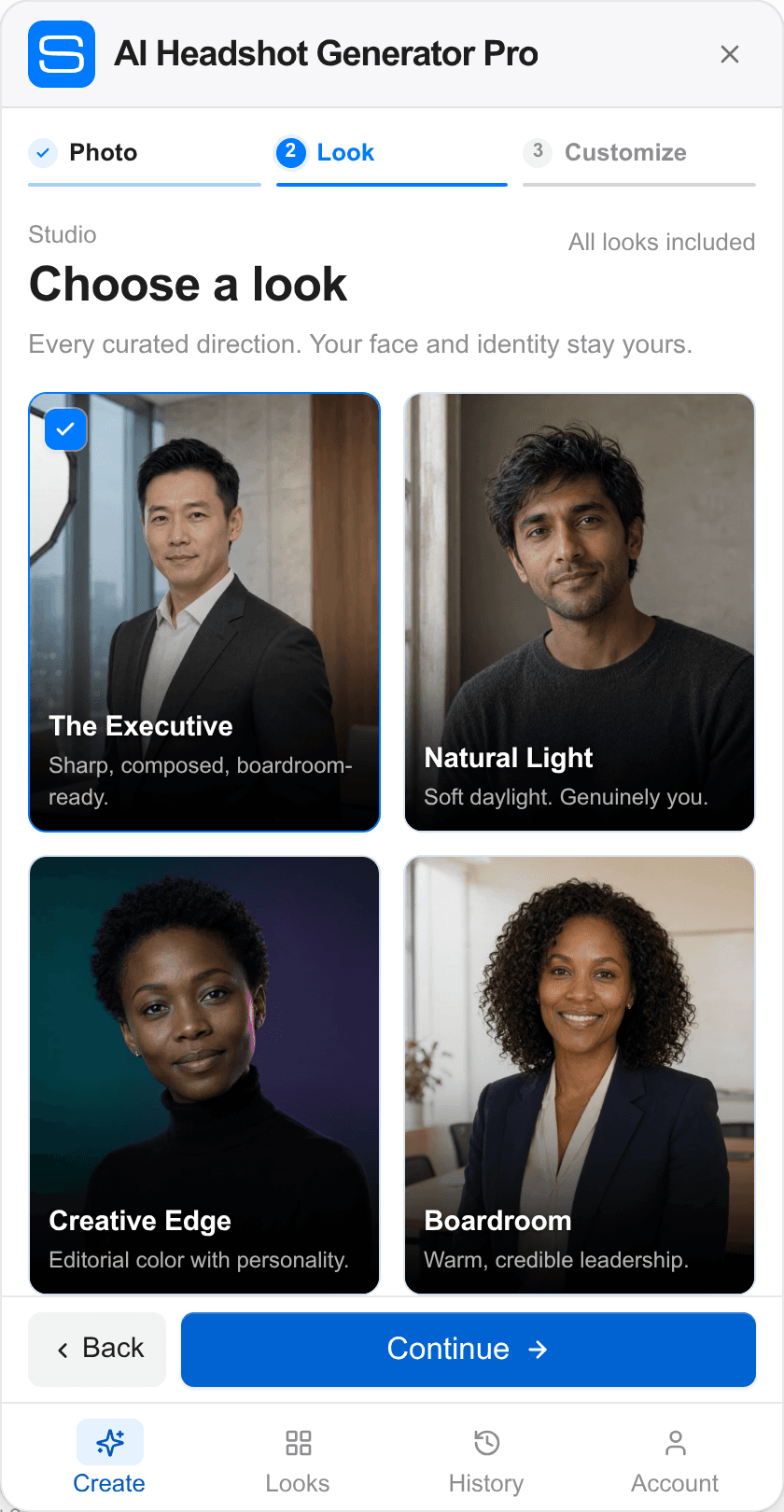
AI Headshot Generator Pro panel showing every curated look
02

Drop in one photo

A recent phone photo is enough. It is resized locally before it reaches ChatGPT.
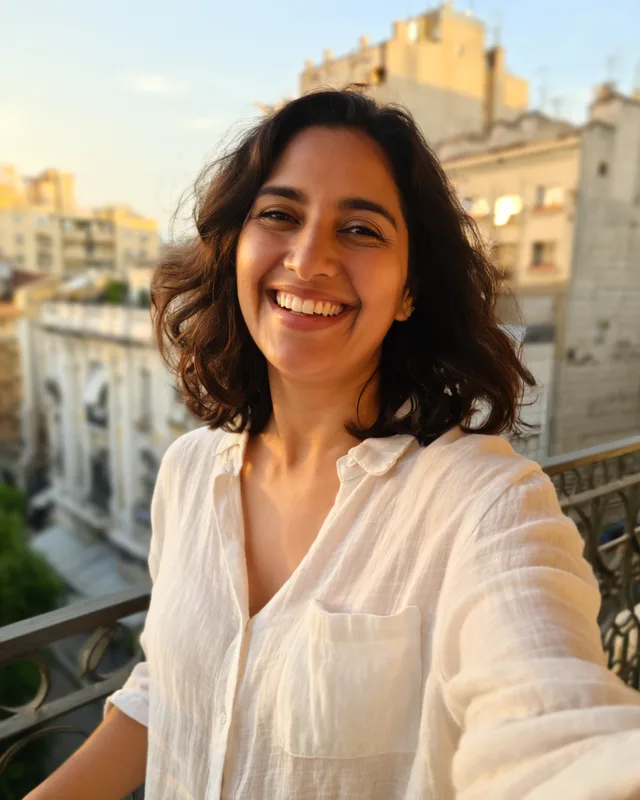
Casual phone photo of Sofia before generating a headshot
03

Pick a look

Choose from the full look library and tune the wardrobe, framing, background and light.
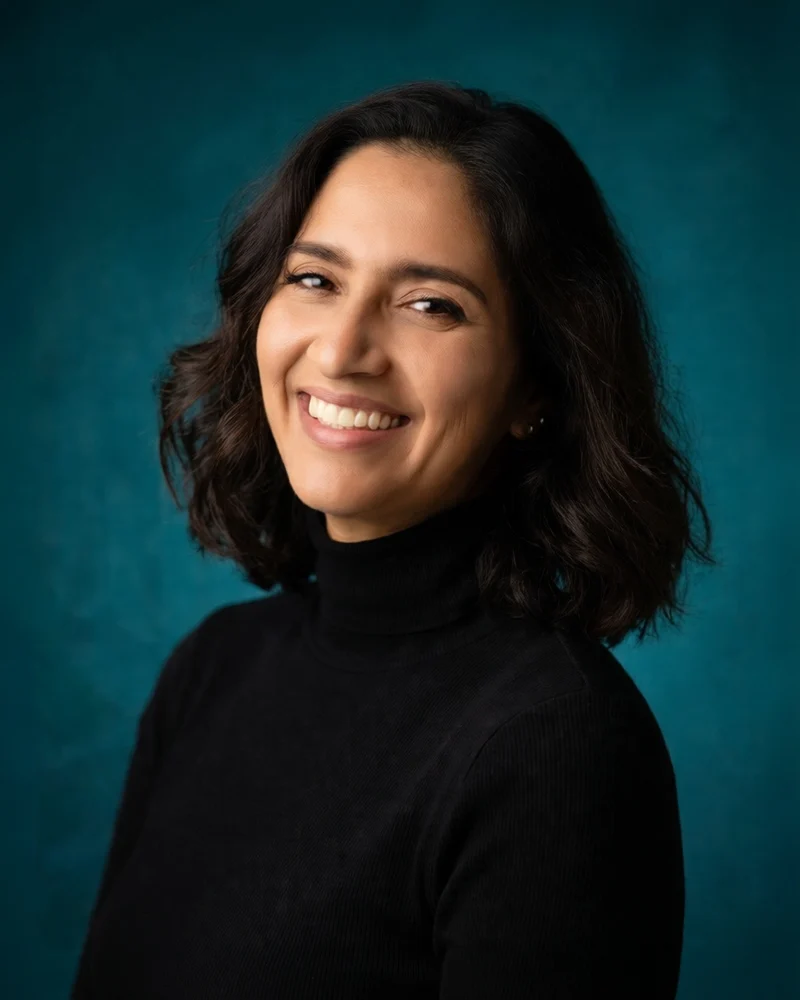
Sofia's AI-generated Creative Edge headshot
04

Generate and keep it

The prompt lands in your ChatGPT session. View, edit, copy or download the result from History.
Sofia's AI-generated Executive headshot
Built for real work

One studio. Every kind of professional.

A headshot that still looks like you, ready for the places your work already lives.

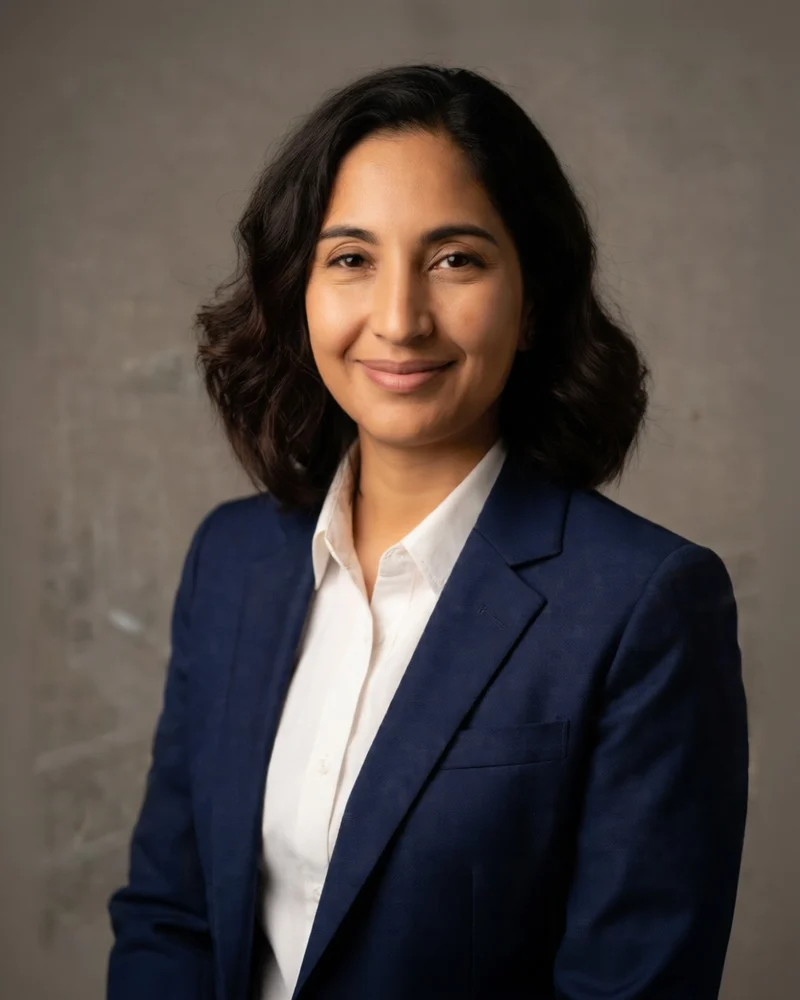
AI-generated founder headshot sampleFor founders

A face that can carry the company page.

Warm, credible, and still unmistakably you — without booking a studio before the next launch.
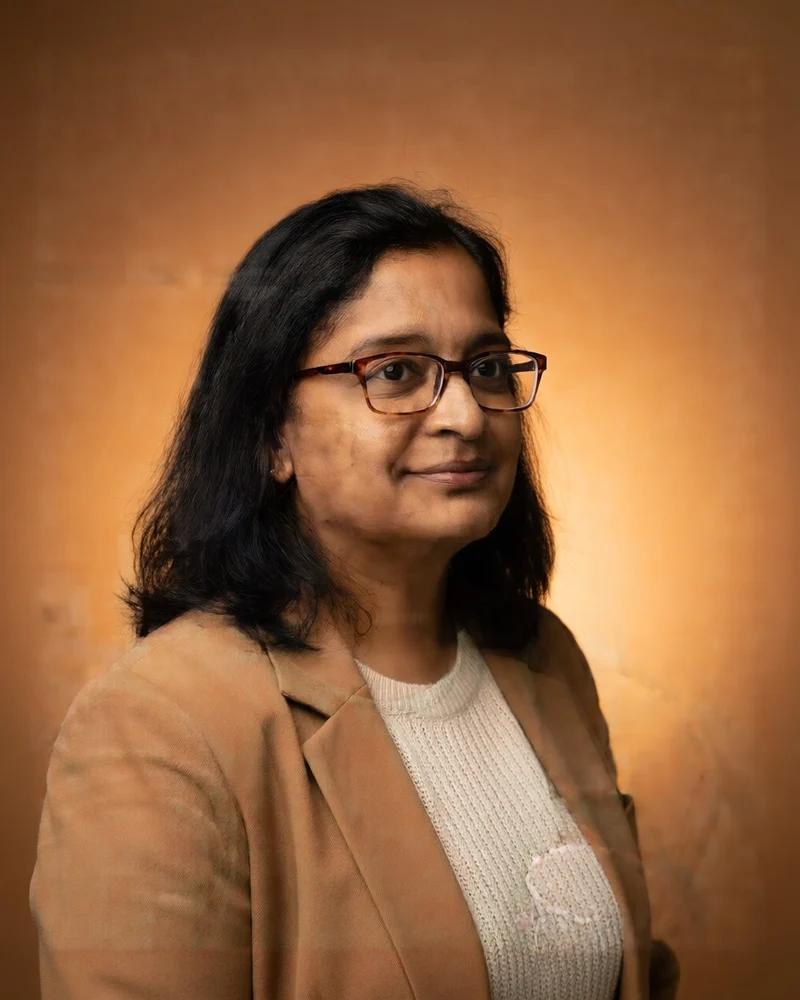
AI-generated clinician headshot sampleFor clinicians

Approachable in a provider directory.

A calm, professional portrait for your bio, clinic page and patient-facing materials.
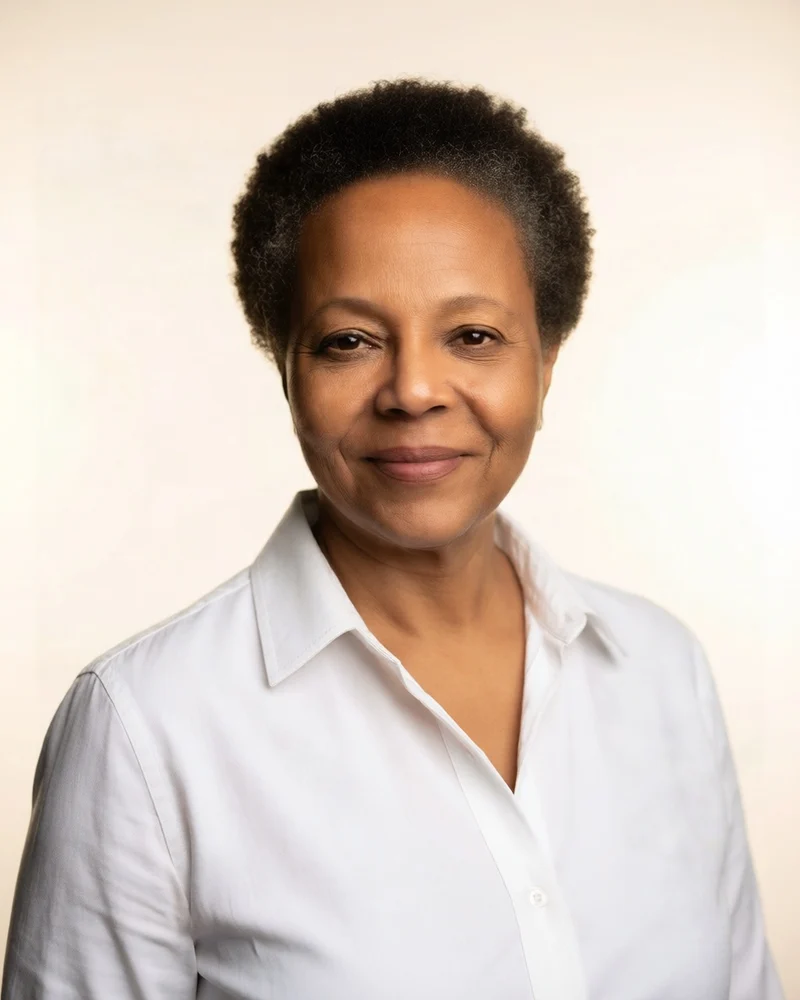
AI-generated team headshot sampleFor teams

Consistent faces across the whole page.

Shared looks keep a directory, About page or pitch deck feeling like one studio made it.

AI-generated sample portrait
AI-generated sample
Why it feels different

Not another photo app.

AI Headshot Generator Pro uses the ChatGPT session you already have and keeps the result in your browser. No studio, no new account, no queue to sit in.

01

No studio

No booking, commute, or waiting days for edits.

02

No new app

The studio lives in the ChatGPT tab you already use.

03

No photo servers

Your photo and generated results never pass through us.

Simple pricing

Start free. Unlock the full look library when you need it.

No subscription and no credits. Keep the free three-look workflow, or buy one Pro license for a lifetime of every look.

Free

No card

$0

Everything you need for one professional headshot.

  • 3 curated looks
  • Unlimited requests
  • Full prompt engine
  • Local History and downloads
  • No account or subscription

Pro

One-time

$19

$29

Launch price. Pay once, keep every look.

  • Every curated look
  • Future look packs included
  • Unlimited requests
  • Lifetime license · 3 devices
  • One key, no account

Dodo Payments handles tax, receipts and refunds. One-time purchase in USD.

Terms and refunds

Installed before Pro? Your existing access is grandfathered. The “Pro” in the product name is not a subscription tier.

Privacy

Your photo stays between you and ChatGPT.

The extension has no photo servers. Your photo is resized locally, attached to your own ChatGPT session, and never sent to us. Pro validation sends only the license key.

Read the privacy policy

No photo servers

Your photo goes directly to ChatGPT in your own browser session. We never receive it.

Local by default

Settings and History live in chrome.storage.local on your device, not in an account.

Delete anytime

Remove individual results or clear all History whenever you want.

No account needed

No login or subscription. Pro is an optional one-time license key.

FAQ

Have a question?

Straight answers about ChatGPT, privacy, and what the extension does (and does not) do.

Email support
Do I need a ChatGPT account?
Yes. AI Headshot Generator Pro runs on top of chatgpt.com and uses the image generation available in your ChatGPT plan. You stay signed into your own account; the extension never asks for your password.
Is this an official OpenAI product?
No. AI Headshot Generator Pro is an independent Chrome extension. It is not affiliated with, endorsed by, or sponsored by OpenAI. ChatGPT and OpenAI are trademarks of OpenAI.
Where do my photos go?
Your photo is resized in your browser and attached directly to the ChatGPT conversation you are using. We never receive your photos, prompts or generated images. Generated images are fetched from ChatGPT's image hosts and saved locally for History. If you activate Pro, the only extra network call sends the license key to Dodo Payments for validation — never your photos.
How many headshots can I make?
Unlimited. There is no daily limit or credit system in either plan. Your ChatGPT plan's own image-generation limits still apply.
Can I download the results?
Yes. When ChatGPT returns an image, the extension captures it and saves a compressed local copy in History with a Download button. History keeps the latest 20 requests.
Will it still work if ChatGPT changes its upload UI?
The extension includes several upload fallbacks: a direct file input, the + menu, synthetic drop and paste, and a manual-attachment retry. If ChatGPT changes its DOM, attach the photo with the + menu and press Generate again; the extension detects the existing attachment.
Is it really free?
The extension is free to install and includes three curated looks, unlimited requests, the full prompt engine and local downloads. A Pro license is an optional one-time $19 purchase that unlocks every look and future look packs. There is no subscription or credit system.
How many devices can use Pro?
One Pro license covers up to three active devices. Open Account in the studio to see the current activation and deactivate a device before moving to a new one. There is no monthly reset or device fee.
Can I use the headshots commercially?
You are responsible for having permission to use the source photo and for complying with OpenAI's terms and any applicable rules. Review each generated image before using it professionally.

Start free

Your next headshot is already on your phone.

Add the extension, open ChatGPT, and turn an ordinary photo into a professional portrait in the next few minutes. Three looks are free; Pro unlocks every look.

Chrome 114+ · No account · Free to start · One-time Pro